How do I run photo-booth activities without requiring social posts?
Quick answer: Before the party, agree a photo plan with families: who takes the pictures, on which device, and what happens to them afterward. Then let one person handle the camera and keep posing optional. Give guests other jobs too, like drawing signs, reading prompts or arranging props. A spoken "no posting" rule doesn't control a phone's backup or sharing settings. If you can't check those settings, use an instant camera that doesn't connect to an online account, or pick a game with no photos. When the party ends, do what you agreed: show the pictures and delete them, hand out agreed prints, or send signs and drawings home instead.
Agree the photo plan with families first
A photo booth can be fun without anyone posting a single picture, but you need to decide what that means before guests arrive. Talk to families before the party about taking, keeping and sharing children's photos. Write their replies down with your other notes for parents. That way you know which guests are happy to be photographed, which would rather help, and whether any family doesn't want copies sent home.
Next, decide who will handle the camera and where the pictures will be kept. One camera run by the host or another adult makes things simpler, but it isn't a privacy setting on its own. Check how that device backs up and shares pictures before you rely on it.
Before party day, open the camera and messaging apps on that device and check how photos back up and share. Decide how pictures will reach the folder you agreed on, who will move them and how long you agreed with families to keep them. How to Preserve Birthday Memories Without Posting Children Online walks through those checks.
Does one host-controlled phone guarantee that photos stay offline?
Quick answer: No. One phone means one device to manage, but telling guests the rule doesn't change how the phone backs up or shares pictures.
If you can't confirm how that phone handles pictures, use an instant camera that doesn't connect to an online account. You could also choose a game with no photos at all. Both options still work as a photo-booth-style activity, because the poses, props and signs are what make it fun.
Set up a simple photo corner
Find a wall where the photographer can stand far enough back to fit a pair or a small group in the picture. Keep the way to the door, the food and any sleeping area clear. Put bags and bedding somewhere else so you won't have to move them between turns.
You can hang a plain fabric backdrop or use the wall as it is. Put a small basket of props beside it: a hat, silly glasses, paper speech bubbles and homemade signs give guests plenty to try. Take a test picture in the lighting you'll actually use, and check faces and the edges of the frame before you add more decorations. Mark a place for guests to wait, and set up a table with paper and markers nearby.
What do I need for a simple sleepover photo booth?
Quick answer: A phone or camera, a place to pose and a few props are enough to start.
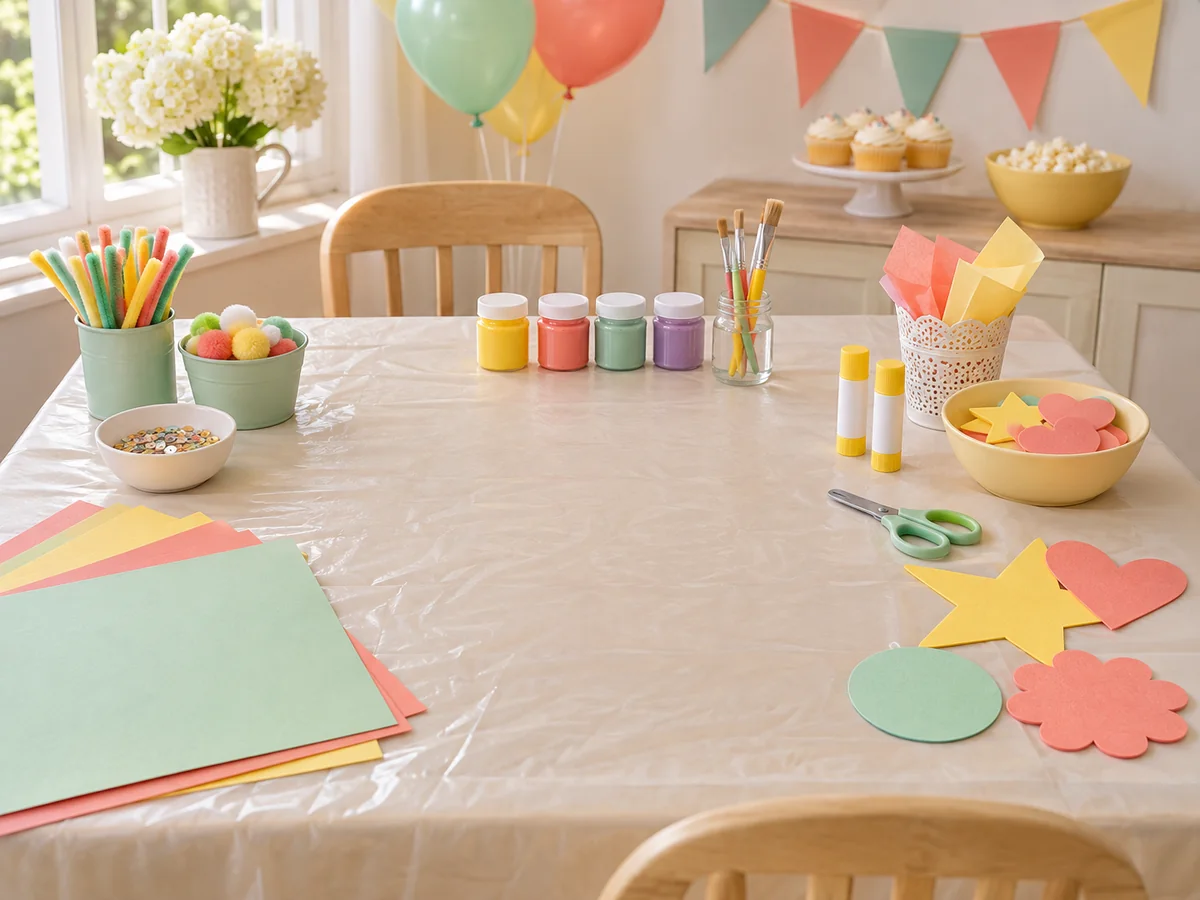
Paper and markers let guests make signs while they wait. A plain wall can stand in for a separate backdrop. Take a test picture before you decide whether to buy anything else.
How many props do I need for 20 guests?
Quick answer: As a starting suggestion, put 12 to 15 props in one box and use two or three props in each photo.
This suggestion assumes guests take turns, so they don't all need props at once. Count everyone who may take a turn, including the birthday child and any siblings who will join in. Check what the games you've chosen need, and keep two different props aside to swap in halfway through. If several groups will be posing at the same time, you may need more.
Plan the turns and other ways to join in
Before anyone poses, tell guests that they can pass. Write a turn order so every pair or group goes once before anyone has a second turn. If a picture comes out blurred or someone blinks, the group can have one retake during its turn. There's no need to keep everyone waiting for a perfect shot.
Guests who don't want to be photographed are still part of the activity, not left on the sidelines. Ask what they'd like to do, and let them stop helping whenever they want a break.
How can guests join without being photographed?
Quick answer: They can read out pose prompts, arrange props, draw a sign or make a pretend photo strip.
Ask each guest what they'd like to do. Being photographed should always be optional, and helping should be too.
What can guests do when they are not taking pictures?
Quick answer: They can draw signs, suggest prompts, take a turn behind the camera, eat or spend time with friends.
At a teen party, keep a card game or another activity your teen likes nearby, so the booth doesn't have to keep everyone busy for the whole party. Only hand the camera to a guest if the device fits the photo plan you agreed with families.
Ask your teen before the party which photo prompts they'd enjoy and what else should be on hand. Guests who aren't posing can draw signs, suggest prompts, eat or spend time with friends. The teen photo booth party plan covers these roles, including when a guest might take a turn behind the camera.
Choose photo booth activities to try
Start with one idea. You don't need a separate backdrop or prop box for each activity. These ideas can be adapted for your guests:
- Pajama portraits with homemade signs: guests make a paper sign with the sleepover's name or a pretend movie title, then pose with it in pairs or small groups.
- Mirror poses: one guest leads three poses and a partner copies each one, then they swap. In a trio, everyone leads once. No props are needed.
- A pretend album cover: groups invent a band name, write it on a sign, plan a pose and take two pictures. Give every group the same time limit.
- A story in three photos: each group tells a tiny story with a beginning, a problem and an ending. For example, a guest finds a paper crown, everyone searches for its owner, and the crown turns out to belong to a teddy bear. Suggest five minutes to decide on the story and five minutes to take the three photos. Take turns holding the main prop or suggesting the next picture. At the end, let the group explain its story, even if it only finished two shots, then move on without choosing a winner.
- A paper-frame photo corner: decorate a large paper or cardboard frame together, then pairs take turns holding it up for their picture.
What is a good photo booth game for tweens?
Quick answer: Try The 5-Shot Story: teams of three to five plan five pictures, with a prop in each one.
This is a longer game than the three-photo story above. Give teams five minutes to plan and five minutes to take their pictures, then let them show the story they finished. Let a team show its story even if it didn't get every shot, and you don't need to pick a winner. If the group would like a shorter game, the Photo Booth Games guide listed in the sources below has the rules for Prop Charades.
How many photo booth activities should I plan?
Quick answer: Start with an easy pose for when guests arrive, one main activity and a quieter backup, such as drawing signs.
The same three-part plan works for the whole party: an arrival activity, a main game and a quieter backup. You may need fewer, and you don't have to fill every minute. Our guide on how many activities to plan for a party uses the same starting point.
You can repeat a favorite instead of trying every idea. A tired group doesn't need to finish them all.
Example: a 30-minute photo booth session
This is an illustrative session for three pairs, using the pajama portraits idea. Allow more time for more guests, or use a shorter activity. Plan dinner or snacks for a separate time so nobody has to hold food while posing.
| Time | What happens |
|---|---|
| 0:00–0:05 | Show guests the backdrop, the props and the waiting table. Check who wants pictures and who would rather help. |
| 0:05–0:11 | Each pair writes a sleepover name or pretend movie title on a sign. |
| 0:11–0:23 | Pair photos: each of the three pairs has four minutes to choose props, take pictures and put the props back. |
| 0:23–0:27 | Offer a group picture to anyone who wants to join. Others can keep drawing. |
| 0:27–0:30 | Pack away the props, put the signs aside to take home and move on to the next activity. |
Decide whether to print photos
Printed photos are optional. Pose prompts can be read from a phone and the pictures kept digitally. You only need a printer if you want to print prompt cards or give guests printed photos, and you can arrange prints after the party.
If you already have a suitable printer and want to give prints at the party, test the layout and check the paper and ink beforehand. Print while another adult looks after the guests, write names on envelopes and put the prints with each guest's belongings. Do this before families arrive for pickup, not while they're waiting at the door.
Do I need to print photos before pickup?
Quick answer: Only if you have the equipment, supplies and time to do it.
If you want to send photos home, test the printing beforehand. Otherwise, explain the agreed sharing plan to families and let guests take home their signs or drawings.
How much instant film should I buy?
Quick answer: Count the shots you plan to take, then check how many prints each film pack for your camera holds and what it costs.
A ten-item photo hunt needs up to ten shots per team, so two teams need up to 20 shots. Six memory pairs need twelve prints, and Print and Trade needs one per player. Add up the shots for the games you'll play, plus some spare film if you might play another round. Then divide by the number of prints shown on the film pack, and round up to the next whole pack.
Illustrative example only: if your film pack held 8 prints (check your own pack, as this number is made up), the two-team hunt's 20 shots would need 20 ÷ 8 = 2.5 packs, so you'd buy 3 packs. That leaves 4 spare prints for retakes, not enough for another full round. A second full round of the hunt could need up to 20 more shots. With the same made-up capacity, two full rounds would need up to 40 shots, so 40 ÷ 8 = 5 packs.
End the activity and deal with the photos
Finish the organized photo turns before wind-down time. If guests lose interest sooner, end the round and leave the drawing table out.
Afterward, do what you agreed with families. Be honest with yourself about the limits: deleting pictures doesn't prove no backup exists, and a printed photo can be photographed later.
What if the photo booth stops being fun?
Quick answer: End the round, put the props away and offer the drawing table or a quiet activity.
Once you stop, put the props away and offer one clear choice, such as the drawing table. You don't need to set up another photo activity. Our advice on what to do if a party game is not working also covers arranging who stays with the children if you need to step away.
You can try another pose later if guests ask, but the booth doesn't need to stay open all night.
What happens to the photos after the party?
Quick answer: Follow the arrangement you agreed with families. For example, show the phone pictures once and then delete them, or hand out the instant prints families agreed to.
If families don't want copies going home, don't give prints as favors. Homemade signs and decorated paper strips can be the take-home gift instead.
Photo booth checklist
- Agree with families how photos will be taken, kept and shared, and note their replies.
- Choose the camera and the person who will handle it. Check its backup and sharing settings, or use an offline instant camera or a no-photo game.
- Take a test picture with the backdrop and lighting in place.
- Gather props, paper, markers and a place to keep finished signs.
- Write a turn order and tell guests they can pass.
- Plan ways to join without being photographed, plus a quiet backup activity.
- If you plan to print, test the printer or count your film first.
- Decide when the photos will finish and what happens to them afterward.